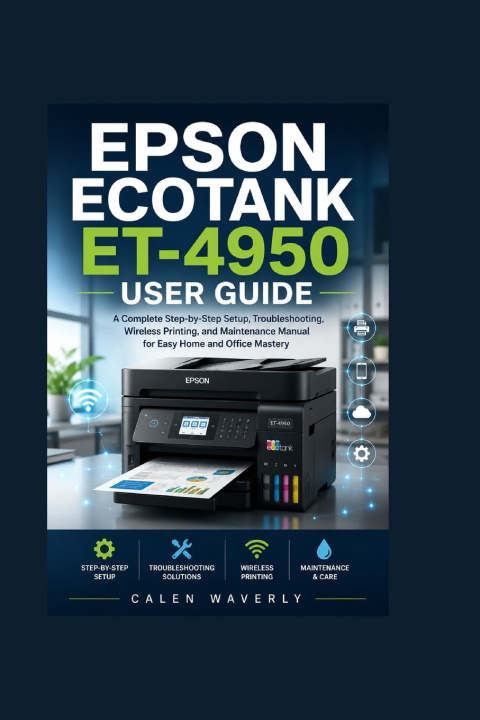
If you've just purchased the Epson EcoTank ET-4950 or you're struggling to unlock its full potential, this guide is the missing piece that turns confusion into confidence. The Epson EcoTank ET-4950 is a powerful all-in-one device, but without clear instructions, many users never take advantage of its full range of features. This book bridges that gap with clear, practical, real-world explanations that make setup, operation, and troubleshooting simple for anyone-no technical background required.Inside this guide, you'll discover how to move beyond basic printing and start using your printer like a pro. Every section is written in plain, easy-to-follow language designed to save time, reduce frustration, and help you avoid costly mistakes.
What you will gain from this book:
Step-by-step instructions for complete printer setup from unboxing to first print
Easy Wi-Fi and network configuration for stable wireless printing across all devices
Clear guidance for installing drivers on Windows and Mac without confusion
Mobile printing setup using smartphones, tablets, and cloud services
Practical techniques for scanning, copying, and faxing with professional results
Ink management strategies to reduce waste and extend cartridge-free efficiency
Troubleshooting solutions for common printing, scanning, and connectivity issues
Maintenance tips that improve print quality and extend the lifespan of your printer
Whether you are using the ET-4950 for home documents, school work, business operations, or creative projects, this guide helps you get consistent, high-quality results every time. Instead of guessing your way through menus and settings, you'll follow a structured system that makes every function easy to understand and control.
Stop wasting time on trial-and-error or incomplete instructions. Get the clarity you need and start using your printer the way it was meant to be used.
Take control of your Epson EcoTank ET-4950 today-order this guide now and unlock its full performance from day one.