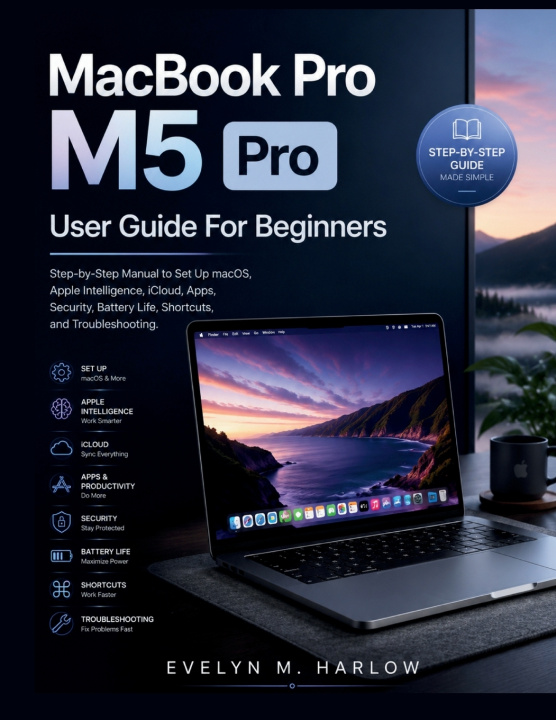
Discover the clear, step-by-step path to mastering your MacBook Pro M5 Pro.
This comprehensive macOS beginner manual offers practical guidance for both new Mac users and those upgrading to the powerful M5 Pro model. Learn exactly how to set up your device, configure essential features, and build efficient daily workflows with confidence.
Inside this user-friendly guide, you will find detailed instructions on Apple Intelligence tutorial techniques, iCloud setup guide strategies, app organization, robust MacBook security best practices, and proven MacBook battery optimization methods. Master Mac shortcuts automation, Focus modes productivity, window management, and Time Machine backup guide procedures that save hours every week.
Whether you want to improve Mac troubleshooting steps, explore Mac customization tutorial options, understand macOS accessibility features, or dive into Terminal basics Mac, this book provides straightforward explanations and real-world examples. You will also learn Apple Continuity explained, Mac maintenance routine habits, MacBook performance tuning, and daily Mac productivity habits that help you get the most from your device.
Perfect for beginners and intermediate users who want a reliable reference they can return to again and again.
Take control of your MacBook Pro M5 Pro today. Scroll up and click the Buy button now to get instant access.