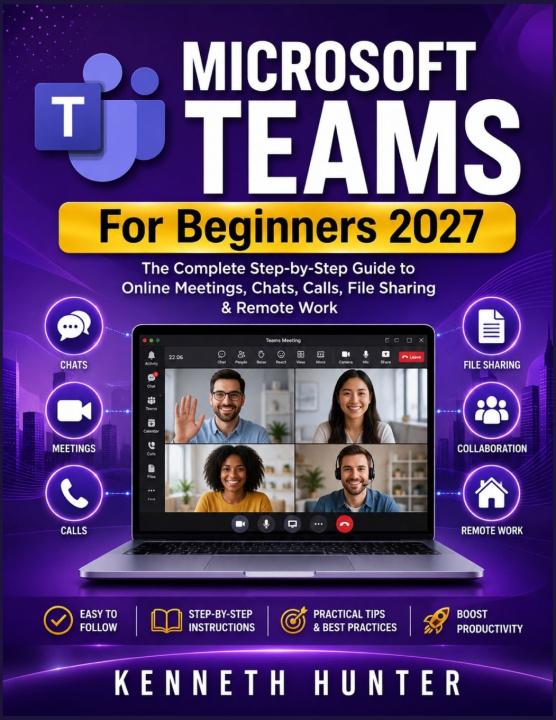
Are you new to Microsoft Teams and want a simple guide that explains everything clearly?
Microsoft Teams for Beginners 2027 is a practical, easy-to-follow guide created for anyone who wants to use Microsoft Teams with confidence. Whether you are a student, teacher, employee, business owner, freelancer, remote worker, or complete beginner, this book will help you understand how Teams works and how to use it for everyday communication and collaboration.
Microsoft Teams can feel confusing at first. There are chats, channels, meetings, calls, calendars, files, notifications, and sharing options. This book breaks everything down into simple steps so you can learn without stress or technical confusion.
Inside this beginner-friendly guide, you will learn how to use Microsoft Teams for online meetings, chats, calls, file sharing, remote work, team collaboration, and productivity. Each chapter is written in plain language with practical explanations that help you understand what to do and why it matters.
In this book, you will discover how to:
Set up and navigate Microsoft Teams with ease
Start chats and group conversations
Join, schedule, and manage online meetings
Use audio, video, screen sharing, and meeting controls
Understand teams, channels, and conversations
Share files and collaborate on documents
Manage your calendar, calls, and notifications
Use Teams for remote work, school, and business
Fix common microphone, camera, meeting, and file problems
Avoid beginner mistakes and use Teams more professionally
This book is designed to be clear, practical, and beginner-friendly. You do not need to be tech-savvy to follow along. The goal is to help you build confidence step by step and use Microsoft Teams in a smarter, more organized way.
If you want to learn Microsoft Teams without confusion, this guide is for you.
Get your copy of Microsoft Teams for Beginners 2027 today and start using Teams with confidence.