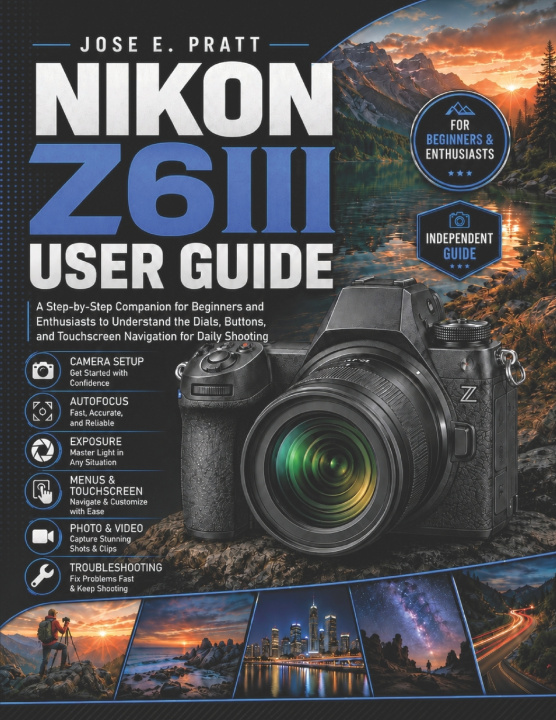
Buying the Nikon Z6III is exciting, but learning where everything is and knowing which settings matter for everyday shooting can take time. Between the dials, buttons, touchscreen options, autofocus choices, video settings, and custom menus, new owners may feel unsure about where to begin or how to set up the camera for real use.
Inside, you will find guidance on first-time setup, physical controls, touchscreen navigation, menus, autofocus, exposure, shooting modes, image quality, lenses, flash, video recording, playback, wireless connectivity, customization, accessories, maintenance, and common troubleshooting. The guide also discusses Z6III-specific features covered in the book, including its partially-stacked full-frame sensor, EXPEED 7 processing, electronic viewfinder, articulating touchscreen, subject-detection autofocus, in-body stabilization, high-speed shooting options, internal video recording features, dual card slots, USB-C connectivity, SnapBridge, Wi-Fi, and Nikon Imaging Cloud workflows.
Readers will learn how to set up the camera for first use and daily shooting, understand important buttons, dials, and touchscreen controls, navigate menus with more confidence, choose practical autofocus and exposure settings, adjust photo and video options for common situations, customize selected controls and quick-access menus, review images, manage playback, and solve basic setup issues.
This is an independent guide. It is not official, authorized, sponsored, approved, or endorsed by Nikon Corporation or any camera manufacturer. It is not a replacement for the manufacturer's official manual, especially for safety information, warranty details, firmware-specific instructions, or full technical specifications.
If you want a practical way to become more comfortable with the Z6III, this guide helps you slow down, understand the camera's everyday controls, and make more informed choices before and during your shoots.