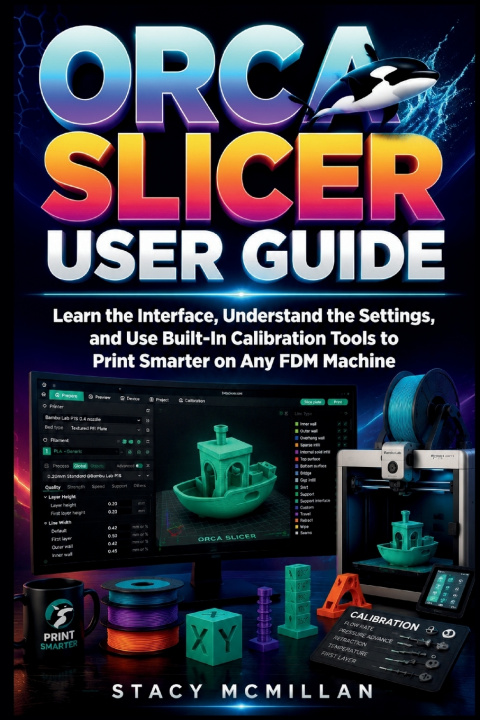
Why do Orca Slicer settings, profiles, and calibration tools still feel confusing when you are trying to get reliable FDM prints?
Many users struggle with failed first layers, poor adhesion, stringing, warped corners, and inconsistent results across different filament types. The problem often starts in the slicer. Wrong profiles, unclear settings, and missing calibration steps lead to wasted time, failed prints, and frustration. Even when the printer hardware is fine, unclear configuration inside the software creates avoidable errors that are hard to trace.
This book gives you a structured way to work inside Orca Slicer. You learn how the interface is organised, how printer and filament profiles interact, and how each slicing setting affects real print results. It also shows how to prepare models, apply supports, manage build plates, and use built-in calibration tools to tune flow, temperature, and retraction. Everything is explained in a practical order so you can apply it step by step.
You are guided through real workflows, supported by clear explanations, diagrams, interface breakdowns, checklists, and troubleshooting examples. You also get structured guidance for previewing slices, checking errors before printing, and improving consistency across different machines and materials.
This is not a theory-heavy manual. It is built for action.
What's inside
- Full walkthrough of the Orca Slicer interface and workspace
- Printer setup, custom profiles, and configuration management
- Filament profiles for PLA, PETG, ABS, TPU, and more
- Core slicing settings including layers, infill, walls, and speeds
- Supports, adhesion tools, and special structure controls
- Built-in calibration tools for flow, temperature, and retraction
- 3D model preparation, scaling, and build plate organisation
- Preview tools for detecting errors before printing starts
- Workflow for slicing, exporting G-code, and network printing
- Troubleshooting guide for common print failures
- Print farm workflow with multi-printer management
- Reference library setup for reusable profiles and test projects
- Checklists and structured steps for consistent print preparation
Who is this guide for?
- Beginners setting up their first FDM printer workflow
- Makers struggling with failed prints and unstable settings
- Users switching from other slicers to Orca Slicer
- Small print farm operators managing multiple machines
- Hobbyists learning calibration and tuning methods
- Designers preparing reliable 3D models for printing
- Users wanting consistent results across different filament types
- Anyone who wants a structured slicing workflow
By the end of this guide, you will be able to:
- Set up printer, filament, and process profiles correctly
- Understand how each slicer setting affects print output
- Prepare and position 3D models for clean slicing
- Configure supports, adhesion, and print structures
- Run calibration tests for flow, temperature, and retraction
- Inspect sliced layers and detect errors before printing
- Export and send G-code to printers through different methods
- Build reusable profile libraries for faster workflows
- Diagnose common print issues and adjust settings
- Manage multi-printer workflows with consistent results
You will move from uncertain settings to a structured slicing process you can repeat across different projects and materials. Each section builds practical understanding you can apply directly every time.
Get your copy today and start building consistent, reliable 3D prints with a clear and structured slicing workflow.