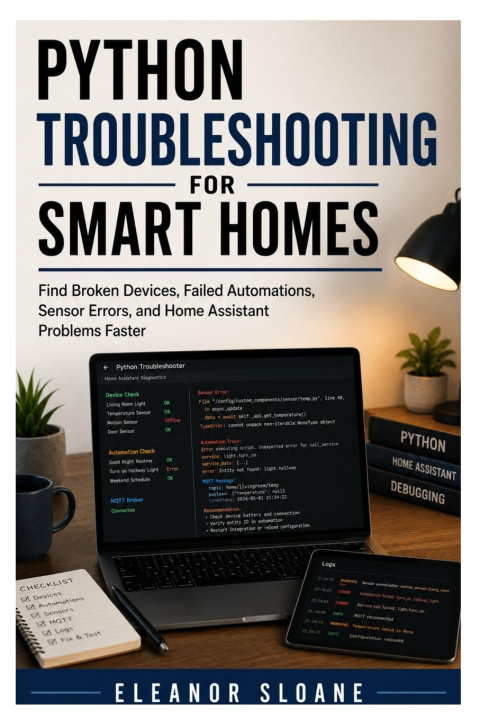
Find smart home problems faster-and fix them with clear Python-powered troubleshooting steps.
A smart home is only useful when the devices respond, automations run, sensors report correctly, and Home Assistant stays reliable. But when something breaks, beginners often do not know where to start. Is the problem a device? A sensor? A network issue? A failed automation? A bad entity name? A missing integration? Or a simple error hiding in the logs?
Python Troubleshooting for Smart Homes gives beginners a practical way to diagnose Home Assistant problems, smart device errors, failed automations, and sensor issues faster using Python, simple scripts, logs, checks, and repeatable troubleshooting habits.
This book is written for Home Assistant users, DIY smart home builders, Raspberry Pi hobbyists, Python beginners, and anyone who wants a more systematic way to understand what went wrong in their smart home setup.
Inside, you'll learn how to use Python to inspect data, check device states, organize error reports, review sensor readings, test automation logic, monitor common failures, and make troubleshooting less stressful. You do not need to be an expert programmer. The focus is on practical, beginner-friendly techniques that help you find problems step by step.
You'll learn how to:
• Understand common smart home failure points
• Use Python to organize and inspect troubleshooting information
• Find broken devices, missing entities, and incorrect sensor data
• Review failed automations and identify likely causes
• Work with Home Assistant logs, states, events, and integrations
• Build simple checks for device availability and sensor behavior
• Troubleshoot Wi-Fi, Zigbee, MQTT, and Home Assistant issues more clearly
• Create repeatable debugging habits that save time as your setup grows
This is not a complex software engineering textbook. It is a practical field guide for smart home users who want better visibility, faster fixes, and fewer frustrating guessing games.
If you want to understand your Home Assistant problems instead of randomly changing settings and hoping something works, this book will help you troubleshoot with more confidence.