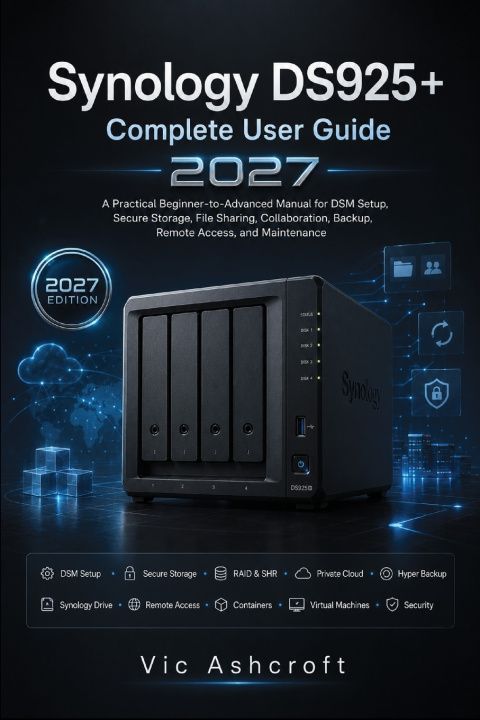
Your files, photos, backups, and business records deserve more than extra storage-they deserve a system that is organized, secure, dependable, and easy to manage. Yet many first-time NAS owners discover that getting everything working properly is far more complicated than simply installing drives and turning the device on. Questions about storage layouts, user permissions, remote access, backup strategies, network configuration, and long-term maintenance can quickly become overwhelming without clear guidance.
This practical guide is designed to remove that uncertainty. Whether you are setting up your first NAS for home use, organizing a family media library, protecting important documents, supporting a small office, or building a reliable private cloud, you'll learn how to configure your system with confidence while avoiding the costly mistakes that often lead to data loss, poor performance, or unnecessary downtime.
Written in a clear, step-by-step format, this book explains not only what to do, but also why each decision matters. Instead of relying on confusing technical language, it walks you through real-world administration practices that help you build a storage system that remains reliable, secure, and easy to maintain as your needs grow.
Inside, you'll discover how to:
Select compatible hard drives and SSDs for reliable long-term operation
Understand RAID, Synology Hybrid RAID, storage pools, volumes, and data protection without unnecessary complexity
Install hardware correctly and complete a clean first-time system configuration
Navigate DSM confidently and configure essential system settings
Build secure user accounts, groups, shared folders, and permission structures
Connect Windows, macOS, Linux, and mobile devices for seamless file access
Create your own private cloud for syncing, collaboration, and everyday productivity
Organize photos, videos, documents, and media libraries efficiently
Design dependable backup strategies using snapshots, versioning, and recovery planning
Configure networking, remote access, VPN connections, and secure external access
Strengthen system security with firewalls, certificates, account protection, and monitoring tools
Deploy containers and virtual machines for additional services and flexible workloads
Configure surveillance features and essential business services
Diagnose common problems using structured troubleshooting methods
Perform routine maintenance, monitor system health, plan upgrades, and prepare for future expansion with confidence
More importantly, this guide focuses on building practical knowledge rather than simply following instructions. By understanding the reasoning behind every configuration, you'll be prepared to manage your NAS confidently, adapt to future DSM updates, and make informed decisions as your storage requirements evolve.
Whether you're a complete beginner or an experienced user looking to organize your system more effectively, this guide provides a structured learning path from initial setup through advanced administration, helping you protect your data while getting the most from your investment.
A properly configured NAS can serve you reliably for years-but only when it is built on the right foundation. Start learning today and create a storage system that is secure, efficient, scalable, and ready for whatever comes next.