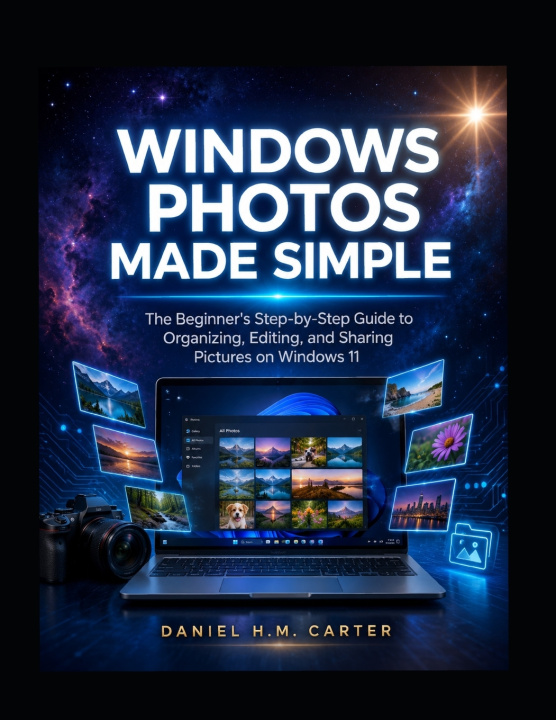
Windows Photos Made Simple: The Beginner's Step-by-Step Guide to Organizing, Editing, and Sharing Pictures on Windows 11
This book is provided for educational and informational purposes only. While every effort has been made to ensure accuracy, the author and publisher make no representations or warranties regarding the completeness, accuracy, or suitability of the information. Readers assume full responsibility for any actions taken based on the content of this book. Windows, Windows 11, and Windows Photos are trademarks of Microsoft Corporation. This is an independent publication and is not affiliated with, endorsed by, or sponsored by Microsoft Corporation.
Attention: Tired of drowning in a chaotic sea of photos scattered across your phone, computer, and cloud storage? Struggling to find that one perfect family snapshot or make your vacation shots look stunning without expensive software?
Interest: This comprehensive user guide book is your complete, plain-English companion to mastering the powerful Windows Photos app in Windows 11. Written specifically for everyday users no photography experience or technical background required Windows Photos Made Simple walks you through every essential feature with clear, step-by-step instructions, real-life examples, practical scenarios, and pro tips.
From importing photos from your phone or camera, organizing massive collections with folders, albums, timeline views, and AI-powered search, to basic and advanced editing (cropping, exposure, filters, Generative Erase, red-eye removal), creating beautiful video projects and story highlights, syncing seamlessly with OneDrive, and sharing securely this book covers it all across 15 thoughtfully structured chapters.
Desire: Imagine effortlessly finding any photo in seconds, transforming ordinary snapshots into vibrant, professional-looking images, building heartfelt family albums and videos, and never losing a precious memory again. Whether you're a parent preserving milestones, a hobbyist refining your shots, or a Windows 11 user wanting to get the most from your built-in tools, this book gives you the confidence and skills to turn photo chaos into a joyful, organized, and creative experience. Updated for 2026 features and AI enhancements, it serves as both a quick-start tutorial and a long-term reference handbook you'll return to again and again.
Take control of your photo library today. Download or purchase Windows Photos Made Simple and start enjoying your memories like never before.